QuickField and Microsoft Office
Microsoft Office features built-in VBA (Visual Basic for Applications). The IDE supports code insight feature and variables type check.
First run your favorite Microsoft Office application, say Microsoft Excel. Then choose Tools > Macro > Visual Basic Editor command or simply press Alt+F11.
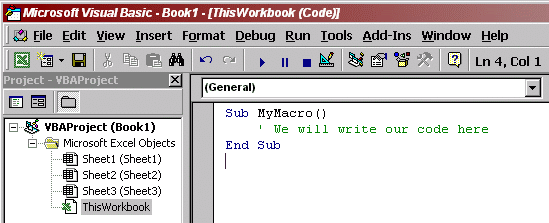
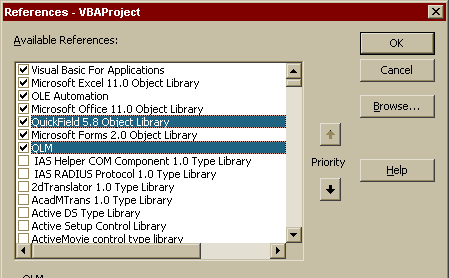
When the project is created we have to let Basic know about the objects we will use. All the information necessary for dealing with QuickField object model is stored in the QuickField type library file called ActiveField.dll. It is already registered in your system. To include the reference to the QuickField type library choose Tools > References in VBA. Then find the QuickField Object Library in the list and mark a field on the left of it.
You can use Microsoft Office to work with QuickField Object Model, QuickField command line, Parametric Object Interface and Parametric Command Line.
- Examples on using QuickField with Microsoft Office:
C-Shaped Magnet
Power Cable Design
Shielded Conductor Examination
Relay dynamics simulation using Microsoft Excel and QuickField API